ちょっとした小ネタなんですが、主にデスクトップで使いますけど(他の場所でも可能です)
バラバラになったアイテムを選択して右クリック(コントロール&クリック)すると
コンテキストメニューに「選択項目から新規フォルダ」と言うメニューが出てきます。
これを選択するとフォルダにまとめられますので便利です。
MacOS 11.1からできたんじゃないですかね。
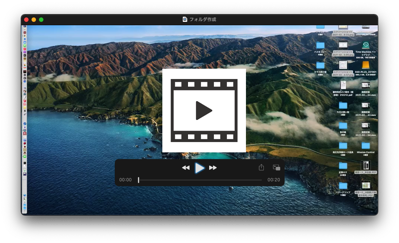
動画を貼っておきます。
ーーーーーーーーーーーーーーーーーーーーーーーーーーーーーーーーーーーーーーーーーーーー
ちょっとした小ネタなんですが、主にデスクトップで使いますけど(他の場所でも可能です)
バラバラになったアイテムを選択して右クリック(コントロール&クリック)すると
コンテキストメニューに「選択項目から新規フォルダ」と言うメニューが出てきます。
これを選択するとフォルダにまとめられますので便利です。
MacOS 11.1からできたんじゃないですかね。
動画を貼っておきます。
ーーーーーーーーーーーーーーーーーーーーーーーーーーーーーーーーーーーーーーーーーーーー
What i do not realize is in fact how you’re not really much more smartly-favored than you may be now. You’re so intelligent. You recognize thus considerably in the case of this subject, produced me individually believe it from a lot of varied angles. Its like men and women don’t seem to be fascinated except it is something to accomplish with Woman gaga! Your personal stuffs great. At all times take care of it up!